Your Guide to Using a Video Watermark Remover Online

Learn to use a video watermark remover online the right way. Our guide covers AI tools, ethical use cases, and tips for clean, professional video content.
Got a fantastic video clip, but there's a pesky logo ruining the shot? An online video watermark remover is exactly what you need. It’s perfect for when you want to repurpose your own content across different platforms like TikTok and Instagram, without another brand's logo getting in the way. These modern tools use AI to neatly erase watermarks, letting you skip the headache of fiddly desktop software.
Why Bother Removing a Watermark?
In the world of content creation, a clean, professional look is everything. A random watermark can really throw off the vibe, making your video look less polished and, frankly, a bit cheap. Worse still, platforms like TikTok are known to downplay videos that feature logos from other sites.
Using a dedicated tool is all about taking back control of your content. Let's say you've made a brilliant video for one platform and want to share it on another. Instead of posting a version with a competitor's branding plastered on it, you can create a clean master copy that works everywhere. This is a game-changer for:
- Content Creators aiming for a consistent, professional brand across all their channels.
- Marketing Agencies that often repurpose user-generated content (with full permission, of course) for their campaigns.
- Brands experimenting with AI-generated video, which often comes with a default watermark.
Moving on from Manual Edits
Not so long ago, getting rid of a watermark was a real slog. It meant spending hours in complex software like Adobe After Effects, meticulously cloning, blurring, or masking the logo frame by frame—and the results were often just okay.
Today's online AI tools have completely flipped the script. They don't just crudely cover up the logo. Instead, they intelligently analyse the pixels around it and rebuild what's underneath, leaving a finish that looks seamless and natural.
The move to AI-powered solutions isn't just a gimmick; it's a direct answer to the needs of today's fast-moving content world. Creators demand efficiency without compromising on quality, and that’s exactly what these tools provide.
This shift has been a huge boost for UK content creators. In fact, some industry reports suggest that removing distracting elements can lead to a 35% increase in perceived video quality and can even double engagement. You can read more about how AI is shaking up video editing on platforms like News Ghana. Ultimately, it’s about empowering you to produce high-quality, professional-looking videos that grab your audience's attention, no matter where they see it.
Manual Editing vs Online AI Removers
To really see the difference, it helps to compare the old way with the new. Manual editing in professional software has its place, but for pure speed and simplicity, AI tools are in a league of their own.
Here’s a quick breakdown:
| Feature | Manual Editing (e.g., After Effects) | Online AI Watermark Remover |
|---|---|---|
| Time Investment | Hours per video; frame-by-frame adjustments required. | Minutes per video; the AI handles the heavy lifting. |
| Skill Level | High. Requires expertise in masking, cloning, and motion tracking. | Low. Just upload the video and click a button. |
| Consistency | Can be inconsistent; results depend heavily on the editor's skill. | Very consistent; the algorithm delivers reliable results every time. |
| Accessibility | Needs expensive software and a powerful computer. | Accessible from any web browser on any device. |
| Cost | High software subscription fees (e.g., Adobe Creative Cloud). | Often has free tiers or affordable pay-as-you-go options. |
While manual methods offer granular control, the sheer convenience and quality of modern AI removers make them the go-to choice for most creators and marketers today. The time saved is invaluable.
How to Get a Clean Result with AI Tools
Getting a professional, watermark-free video is a lot easier than you might expect. With a decent online AI tool, you can clean up your content in just a few minutes. Let's walk through a typical workflow, focusing on the practical steps and settings I use to get a high-quality result without any of those tell-tale digital smudges.
First off, a little prep goes a long way. Before you even head to a video watermark remover online, take a quick look at your file. Most of these tools play nicest with standard formats like MP4 or MOV. If you're working with something more obscure, converting it first can save you a world of headaches and avoid annoying processing errors.
Starting the Removal Process
Once your video file is ready to go, the actual process is pretty simple. Most platforms, including tools like SoReel, give you a couple of ways to get started. You can either upload the video straight from your computer or, if it's already online, just paste in the URL. This is a game-changer for AI-generated content, like videos from Sora 2, as you can process them directly without having to download them first.
This kind of direct workflow is no accident; it’s a response to a real need for speed. The UK’s AI video market is exploding—it’s projected to top US$2 billion by 2033 with an incredible 31.9% annual growth rate. This boom is driving demand for tools that cut down editing time. As more UK businesses try to close the 'production gap'—where 78% want to produce more video but 39% say creation time is a huge barrier—AI editing tools are becoming indispensable. You can read more about the UK's AI video generation trends to get a sense of just how significant this shift is.
Fine-Tuning the AI Settings
With your video loaded, you're at the most critical step: telling the AI exactly what to remove. This is usually done with a simple selection tool.
- Select the Watermark Area: A resizable box or a lasso tool will pop up over your video. You'll want to carefully drag and resize it to cover the entire watermark. My advice? Be precise. Make sure the whole logo is inside the box, but don't make it much bigger than it needs to be.
- Adjust Removal Intensity (If Available): Some of the more advanced tools give you a slider to control how aggressively the AI works. If you're dealing with a faint, semi-transparent watermark, a lower intensity might be all you need. For those bold, solid logos, you'll have to crank it up to get a clean removal.
The real aim here is to give the AI crystal-clear instructions. A tight, accurate selection helps the algorithm reconstruct only the pixels it absolutely needs to, which helps preserve the quality of everything else in the shot. It’s like giving a surgeon a very precise target.
This diagram perfectly illustrates how an AI tool can take a video with a distracting logo and turn it into something clean and professional.
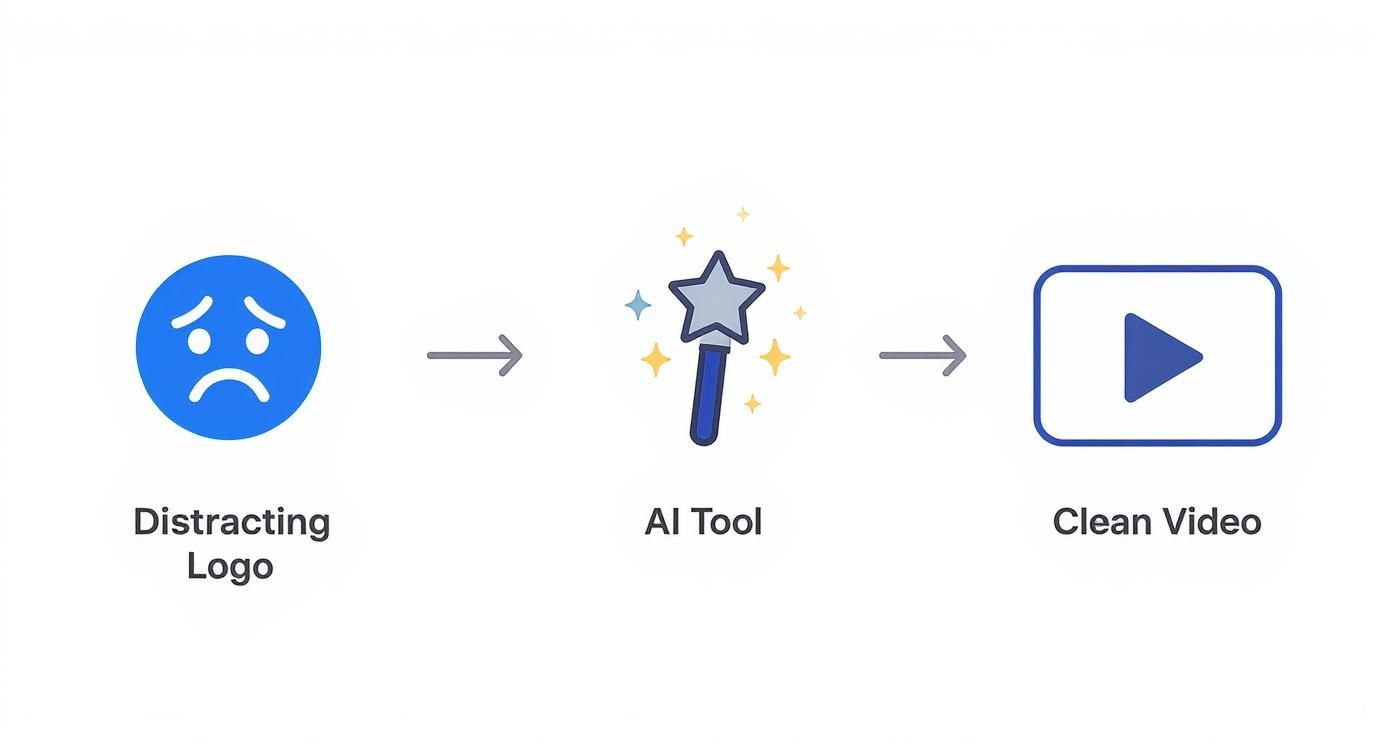
As you can see, the process can turn a cluttered video into a polished asset that’s ready for any platform.
One-Pass Processing and the Final Result
Once you’ve dialled in your settings, you just have to kick off the process. A good-quality tool will handle the entire job in a single pass. This is key. It means the AI isn't just crudely painting over the watermark; it’s simultaneously analysing the surrounding area and intelligently reconstructing the background. This is what prevents that blurry, smudged look.
You’ll typically see a progress bar, and in a few minutes, your clean video should be ready to preview and download. Honestly, the best platforms deliver a result that looks like the watermark was never even there. I’ve seen them seamlessly replicate complex backgrounds like moving water or textured fabric. This one-click efficiency is exactly what makes an online video watermark remover such a brilliant tool for busy creators.
Taking Your Workflow to the Next Level
Once you move past one-off edits, you start to see the real power of these tools. This is especially true for agencies and creators who are juggling a high volume of content. When you’ve got dozens of videos to prep, processing them one by one just isn’t a smart use of your time. This is where the more advanced features come in, helping you scale up without letting the quality slip.
The most obvious time-saver here is batch processing. Instead of the slow routine of uploading, selecting, and processing each video individually, you can just queue up a whole folder of them. Say you've just been sent ten user-generated clips for a new campaign. With batch processing, you can upload them all in one go, apply the same removal settings, and just let the tool get on with it. What was once a tedious, multi-hour chore becomes a simple background task you can set and forget.
Automating Removal with API Integration
For those who need even more firepower, an Application Programming Interface (API) is the answer. An API basically lets you plug the watermark removal tech directly into your own custom software. It’s a real game-changer for anyone building content platforms or sophisticated marketing automation systems.
To give you a practical example, think of a social media scheduling tool. A developer could use an API to build a feature where, as soon as a user uploads a video, the tool automatically sends it to the video watermark remover online, gets the clean version back, and drops it straight into the scheduling queue. The user doesn't have to do a thing. It completely takes the manual work out of the equation and creates a perfectly smooth workflow.
The point of an advanced workflow isn't just about going faster. It’s about making content preparation a completely frictionless part of your bigger operational process. You’re building a system where high-quality, clean video is the standard result, not something you have to manually work for.
Pro Tips for Tricky Watermarks
Let's be honest, not all watermarks are created equal. Some are deliberately designed to be a nightmare to remove, but with the right technique, you can still get fantastic results.
- Moving Watermarks: You’ve seen them—logos that drift across the screen. A simple static selection box is useless here. Proper tools will let you actually define the watermark's path, telling the AI to track and erase it frame by frame throughout the entire video.
- Semi-Transparent Logos: These are tough because they bleed into the background. The secret is to be incredibly precise with your selection. A really tight selection helps the AI tell the difference between the faint logo and the actual video content, which prevents that tell-tale blurring or weird artifacts.
- Complex Backgrounds: When a watermark is plastered over a busy or fast-moving scene, the AI has its work cut out. Your best bet is to always, always start with the highest quality source file you can get. This gives the algorithm much more visual data to work with when it's trying to reconstruct the scene behind the logo.
Dealing with these tricky situations is where a professional-grade tool really shows its value by giving you a clean result, every time. For more ideas on fine-tuning your video content strategy, we've got plenty of other articles on the SoReel blog at https://soreel.app/blog. By bringing these workflows into your process, you'll be ready to handle any project, no matter the scale.
Polishing Your Video After Removing the Watermark
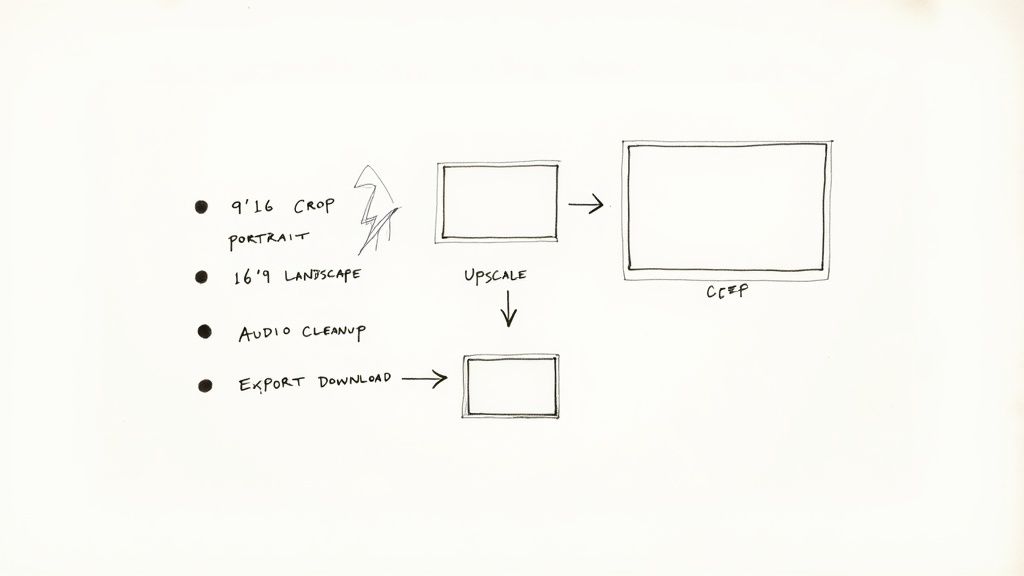
Getting a clean, watermark-free video is a fantastic first step, but the job isn't quite done. Think of the removal process as clearing the canvas. Now it’s time for the final polish that will really make your content stand out and connect with your audience.
This post-processing stage is your opportunity to fix any lingering quality issues and get the video ready for its destination. From sharpening the visuals to cleaning up the sound, these next few tweaks are vital for making sure your video looks and performs its best.
Give Your Visuals a Boost with AI Upscaling
Let’s be honest, not every video you work with starts in pristine 4K. More often than not, you're dealing with a user-generated clip or an older file that looks a bit soft on today's high-resolution screens. This is precisely where AI upscaling comes in.
Unlike simply stretching an image, modern AI tools intelligently analyse and rebuild the picture. They add new detail, sharpen blurry edges, and clean up those messy compression artefacts. It can genuinely be the difference between a video that looks ‘okay’ and one that looks sharp and professional.
- Bump Up the Resolution: You can take a standard 1080p video and upscale it to a crisp 4K, making it look great even on a big screen.
- Ditch the Grain: AI is brilliant at cleaning up grainy footage from low-light shots, giving it a much smoother, cleaner appearance.
- Fix Compression Glitches: It can also fix the blockiness and blurring that happens when a video has been saved and shared one too many times.
Tidy Up and Clarify the Audio
Great visuals might catch someone's eye, but bad audio will have them scrolling on in a heartbeat. After you’ve used a video watermark remover online, the next logical move is to make sure the sound is just as clean as the picture. You don't need a fancy recording studio to make a huge difference.
Plenty of online tools offer straightforward but effective audio cleanup. It's surprisingly easy to remove a persistent background hum, annoying wind noise from an outdoor clip, or even little clicks and pops. I also find that enhancing voice clarity is a game-changer—it makes dialogue pop and ensures your message actually gets heard.
Clean audio isn’t just a nice-to-have; it's absolutely fundamental to keeping people watching. If your audience has to strain to hear or gets distracted by background noise, they'll lose interest, no matter how amazing the video looks.
Customise Your Video for Its Platform
Finally, and this is a big one, you need to format your video for the specific platform you're posting it on. A one-size-fits-all approach just doesn't cut it anymore. Each social media app has its own rules and, more importantly, its own audience expectations.
For platforms like TikTok and Instagram Reels, that means cropping your video to a vertical 9:16 aspect ratio. This simple change ensures it fills the whole mobile screen, making the viewing experience way more immersive. It's also a good idea to compress the file slightly so it loads quickly—no one waits for a video to buffer.
Beyond the technical side, think about adding native touches. Using a trending sound, dropping in some interactive stickers, or adding captions directly within the app can give your video's visibility and engagement a massive boost. This final step is all about fitting your polished content into the platform's unique culture, giving it the best shot at success.
Understanding the Legal and Ethical Boundaries
Any good video watermark remover online is a powerful tool, but with that power comes a big responsibility. It's crucial to know where the legal and ethical lines are drawn to protect yourself and the original creators.
The golden rule is quite simple: you can only remove a watermark from a video you actually own.
Think about it. If you made the video, it's yours. Removing a TikTok or Instagram logo from your own content before you post it somewhere else is completely fair game. In fact, it’s a smart move. It helps you keep your branding clean and professional across all your channels without accidentally promoting one platform on another.
Another perfectly fine scenario is when you're working with user-generated content (UGC). Let's say a happy customer sends you a video testimonial. As long as they've given you clear permission to use it for your marketing, tidying it up by removing a watermark is usually acceptable. The key phrase here is explicit permission.
Drawing the Line at Copyright Infringement
The trouble starts when you remove a watermark from content you have no rights to. This is a massive red line. We're talking about downloading a stock video that has a preview watermark, grabbing a clip from a movie, or snatching another creator's work and stripping their branding without getting their consent.
That isn't just a bad idea—it’s a direct violation of copyright law. In the UK, a watermark is often seen as part of the copyright management information. Tampering with it can land you in serious hot water, from legal action and hefty fines to some serious damage to your professional reputation.
Using a watermark remover on someone else's protected work isn't just unethical; it's a legal risk. Always prioritise respecting the intellectual property of other creators. It’s the foundation of a healthy and sustainable creative community.
Navigating an Evolving Digital Space
The whole conversation around this tech is getting more complicated, especially with the rise of AI. The UK government is taking a closer look at how digital media is made and labelled. The upcoming 2025 consultation on copyright and AI specifically touches on using watermarks to tell AI-generated content apart from human work, which naturally puts tools that remove them under the microscope.
All this extra attention just means that using these tools responsibly is more important than ever. Before you even think about modifying a video, make absolutely sure you have the legal right to do so.
It's also a good practice to understand how your data is handled in the process. For more on that, you can always check out our privacy policy. This protects you and ensures you’re using these powerful tools for what they were made for: enhancing and reclaiming your own creative work.
Your Questions, Answered
Jumping into any new video tool can bring up a few questions. It's only natural. From the legal side of things to worries about video quality and privacy, it’s smart to get the full picture. Let's clear up some of the most common queries we hear about removing watermarks online.
Is It Actually Legal to Remove a Watermark?
This is a big one, and the answer is a hard no—unless you own the video. You can only legally remove watermarks from content you hold the copyright for, which usually means videos you've created yourself.
Think of it this way: taking a watermark off someone else's work without their explicit permission is copyright infringement. It can land you in serious legal hot water. If you don't own it or have the green light from the creator, leave it be.
Will This Mess Up My Video's Quality?
Not with today's AI, no. A good quality AI remover doesn't just slap a blurry patch over the watermark. Instead, it gets clever, analysing the surrounding pixels to completely reconstruct the area where the watermark used to be.
Is there a tiny technical change? Yes, but it’s almost always invisible to the naked eye. My best advice is to always start with the highest resolution video you have. A better quality file going in always means a better quality result coming out.
A modern AI watermark remover is all about subtlety. The goal is for the final video to look as if the watermark was never there in the first place, keeping all the original background detail and sharpness intact.
How Safe Are My Videos When I Upload Them?
Your video's security really comes down to the platform you trust. A reputable service will always use a secure connection (look for the HTTPS in the URL) and have a crystal-clear privacy policy that explains exactly what happens to your files.
As a standard practice, trustworthy tools process your video and then get rid of it for good from their servers, usually within a few hours. It’s always a good habit to skim a tool's privacy policy before you upload anything you consider sensitive. For a closer look at these kinds of questions, our comprehensive FAQ page has even more detail.