12 Best Free Video Upscaler Tools You Must Try in 2025

Discover the top 12 free video upscaler tools for 2025. Enhance low-res footage to 4K with our detailed review of the best AI-powered options available.
Have you ever found the perfect video clip, only to be let down by its fuzzy, low-resolution quality? Whether it’s treasured family footage, archival clips for a campaign, or user-generated content for social media, poor resolution can completely undermine its impact. In the past, enlarging a video meant accepting a blurry, pixelated mess. Fortunately, thanks to the power of artificial intelligence, that is no longer the case.
A modern free video upscaler can analyse your footage, intelligently predict and add new detail, and transform it into something sharp, clear, and ready for high-definition displays. This process is crucial for brands needing to repurpose older assets, agencies enhancing client content for TikTok, or developers integrating video processing into their products. These tools solve the fundamental problem of making low-quality video usable and professional without expensive reshoots or complex software.
This guide is your comprehensive resource for finding the best free video upscaler for your specific needs. We have meticulously tested and organised the top 12 free and freemium AI video upscaler platforms available today. For each tool, you'll find a direct link, a clear breakdown of its strengths and limitations, and an honest assessment of its output quality. We'll delve into practical use cases, platform support, and privacy considerations, helping you select the perfect solution to make your videos shine.
1. SoReel — Professional AI Video Enhancement & Watermark Removal
SoReel positions itself as a professional-grade, AI-driven video enhancement suite, establishing a new benchmark for what a free video upscaler can accomplish. It is engineered for creators, marketers, and developers who demand fast, platform-ready results without compromising on quality. The platform’s core strength lies in its integrated, single-pass enhancement process that combines upscaling, denoising, and audio cleanup, streamlining what is typically a multi-step, multi-tool workflow.
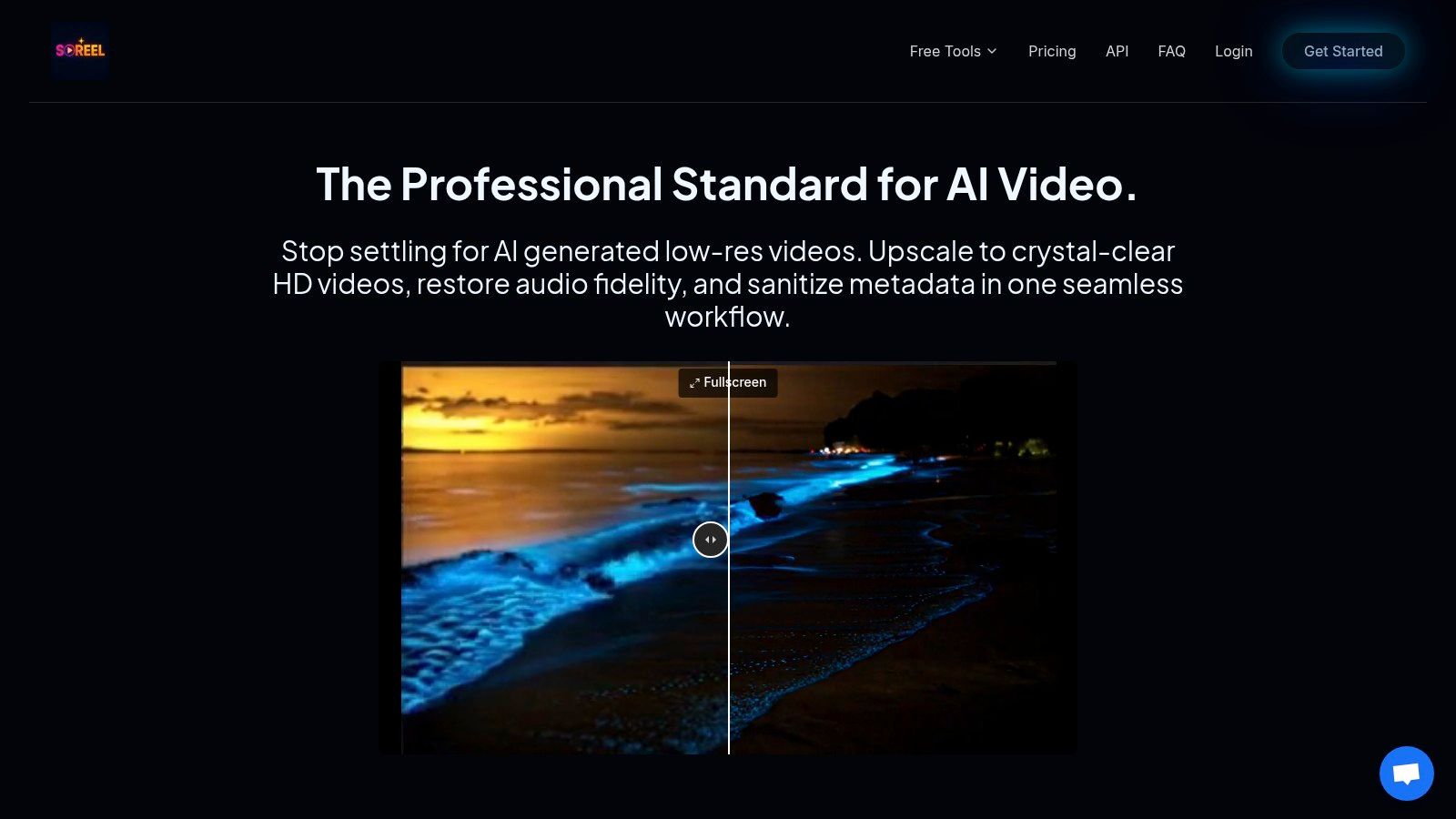
This unified approach makes it an exceptionally efficient tool for high-volume content pipelines. Users simply paste a video URL or upload a file, and the AI handles everything from sharpening visuals to normalising audio, delivering a polished final product in minutes.
Standout Capabilities
SoReel excels with a suite of features that address critical pain points for social media professionals. Its industry-leading watermark removal tool is a significant differentiator. Unlike conventional methods that blur or crop, SoReel’s AI reconstructs the pixels beneath the watermark, achieving a claimed 99.9% success rate on URL-based videos for a seamless, natural finish.
Furthermore, the platform is built with an awareness of social media algorithms. It automatically strips metadata and digital fingerprints from processed videos, a crucial step to help reduce the risk of algorithmic suppression when repurposing content across platforms like TikTok and Instagram. For those working at scale, its support for batch processing and API integration provides the necessary infrastructure for demanding workflows.
Practical Use Cases
- Social Media Marketers: Quickly repurpose user-generated content (UGC) or competitor videos by removing watermarks and enhancing quality for campaigns.
- Content Agencies: Use batch processing to upscale and standardise entire client content libraries for multi-platform distribution.
- Developers: Integrate the API to build automated video enhancement features directly into applications or internal content management systems.
Key Considerations
While SoReel offers powerful free tools, its most advanced capabilities and upload-based watermark removal may require a paid plan. The final output quality, though excellent, is still dependent on the source footage; extremely low-resolution or heavily corrupted videos may see limited improvement.
Website: https://www.soreel.app/
2. Media.io (Wondershare) — AI Video Upscaler
Media.io, developed by Wondershare, presents a compelling free video upscaler for users who prioritise convenience and quick results without any software installation. Its web-based tool is exceptionally straightforward, making it an ideal starting point for anyone new to AI video enhancement. You simply upload a short clip, select a 2x or 4x scaling factor, and let the AI process it. This zero-commitment approach allows you to preview the potential quality improvement before deciding on a paid plan or more advanced software.
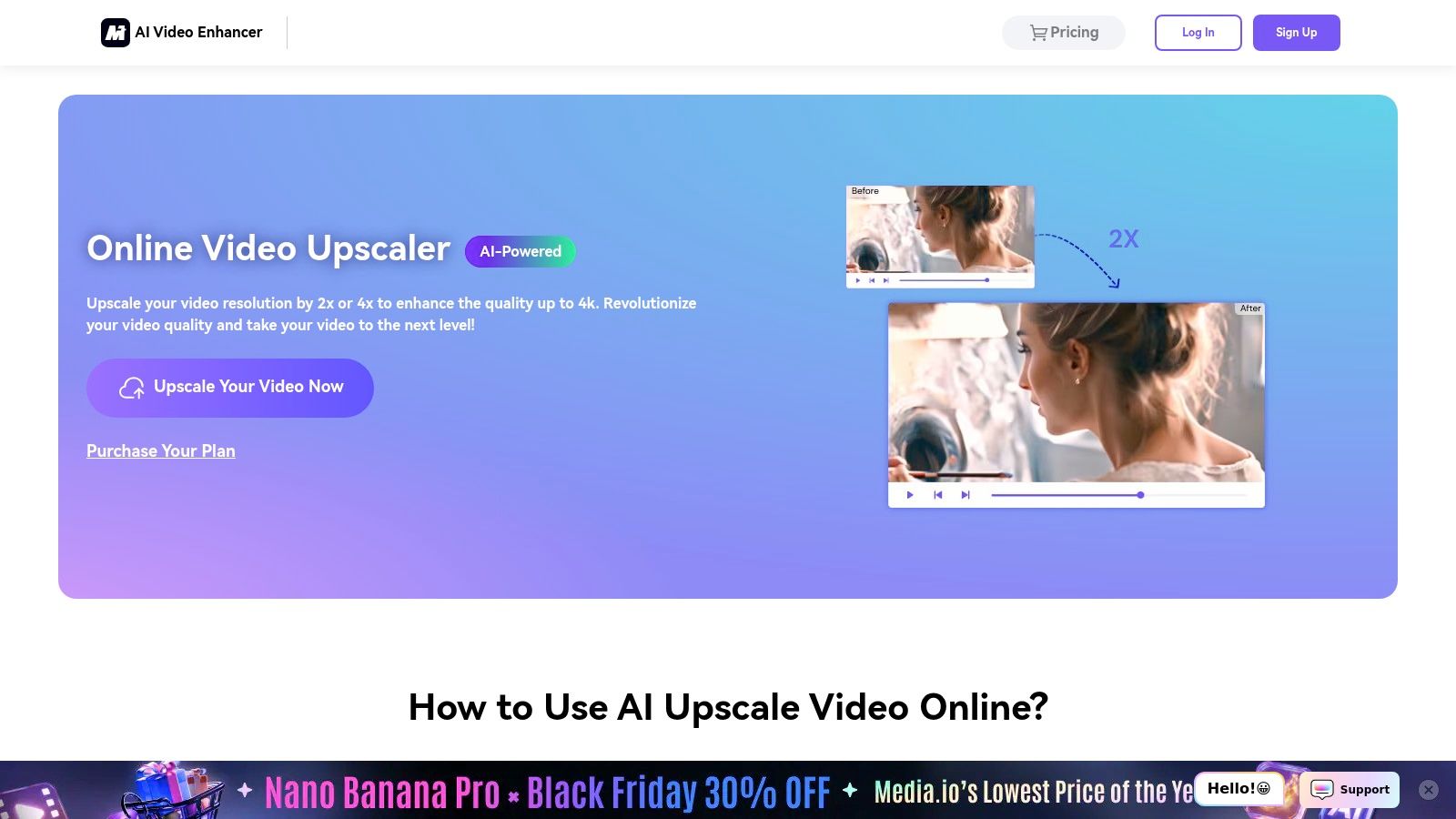
The platform is designed for accessibility, offering a clean, user-friendly interface that guides you through the process effortlessly. However, its free tier is best understood as a trial. Expect strict limitations on video length, file size, and the number of exports. Processed videos will almost certainly have a watermark, which serves as a prompt to upgrade for unrestricted, professional-grade outputs.
Best Use Case
Media.io is perfectly suited for quickly testing the upscaling potential of a short video, like a social media clip or a brief segment from a mobile phone recording. It's the go-to option for users who need a fast, one-off enhancement and want to see what AI can do without installing dedicated applications. For more advanced features or batch processing, you may want to explore professional alternatives on the SoReel blog.
Key Features & Limitations
| Feature/Aspect | Assessment |
|---|---|
| Upscaling Options | Provides basic 2x and 4x resolution boosts up to 4K. |
| Accessibility | Excellent. Fully browser-based, no installation needed. |
| Ease of Use | Excellent. A simple drag-and-drop, one-click workflow. |
| Free Tier Limits | Restrictive. Imposes watermarks and has tight limits on video length/size. |
| Format Support | Limited. The web tool typically supports common formats like MP4 and MOV. |
Link: Media.io AI Video Upscaler
3. AVCLabs – Online AI Video Upscaler + Desktop Video Enhancer AI
AVCLabs carves a unique niche by offering both a web-based tool and a powerful desktop application. This dual-platform approach makes it an excellent free video upscaler for users who want to test enhancement capabilities online before committing to a more robust, private, offline workflow. The online tool operates on a credit system, providing free credits upon registration to process short clips and generate brief previews, giving you a tangible sense of the output quality. It stands out by offering advanced AI models for specific tasks like face refinement and noise reduction.
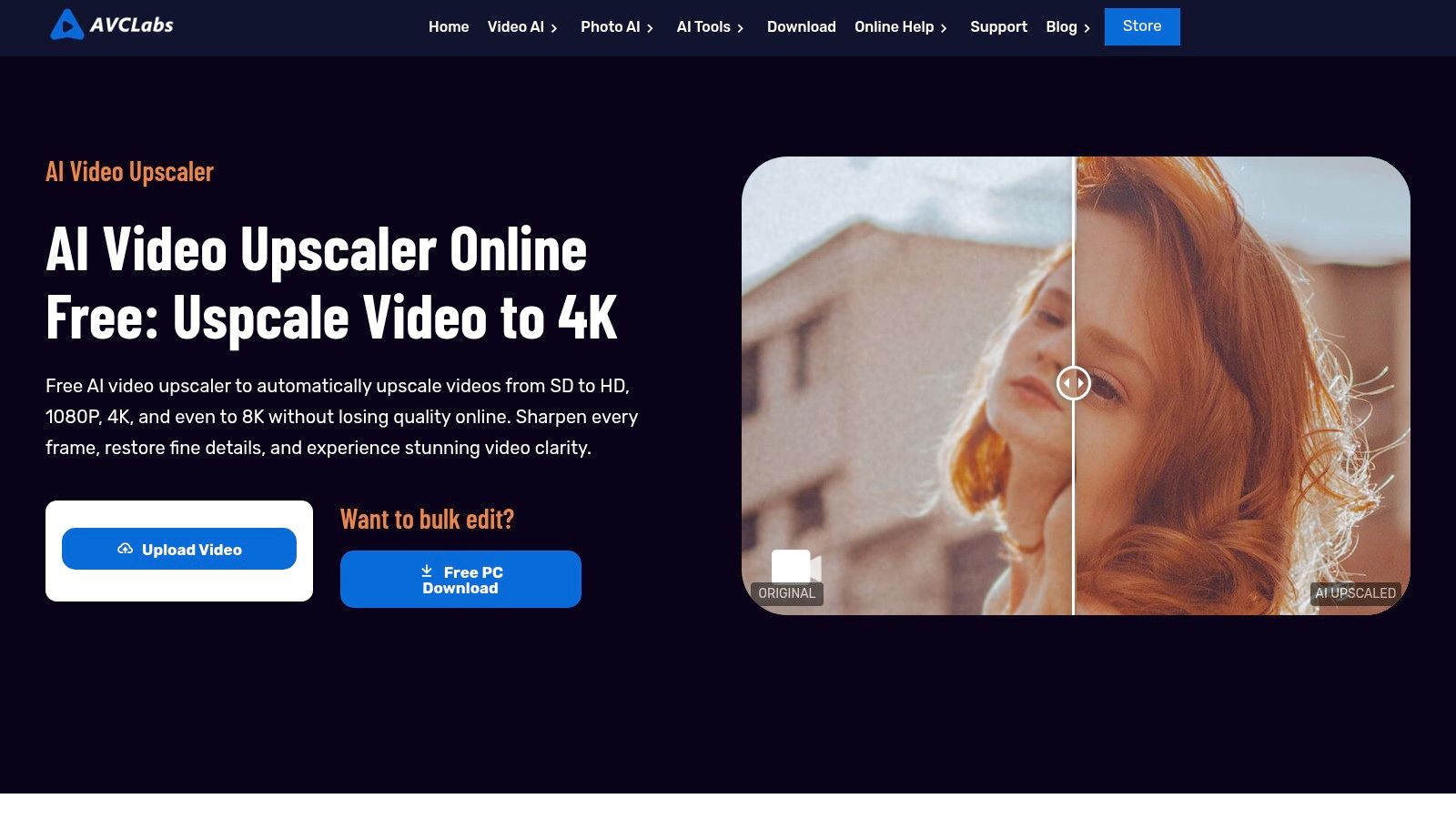
While the online version is convenient for quick tests, the free credits are limited, and processing longer videos requires purchasing more credits or a subscription. The real power of AVCLabs is unlocked with its desktop software, Video Enhancer AI, which enables local processing for enhanced privacy, batch operations, and access to the full suite of enhancement models without online queue times. This makes it a scalable solution, starting with a free online trial and leading to a professional-grade desktop tool for serious projects.
Best Use Case
AVCLabs is ideal for users who need specialised enhancement features, such as improving the clarity of faces in interviews or cleaning up grainy footage from old recordings. It's perfect for those who value privacy and performance, starting with the free online preview to validate results and then transitioning to the desktop application for batch processing and complete control over their projects.
Key Features & Limitations
| Feature/Aspect | Assessment |
|---|---|
| Upscaling Options | Advanced options including 4K/8K, face refinement, and denoising. |
| Accessibility | Good. Offers a simple web tool and a more advanced desktop app. |
| Ease of Use | Very Good. The online interface is straightforward, while the desktop app is feature-rich. |
| Free Tier Limits | Restrictive. Operates on a limited free credit system; previews are very short. |
| Format Support | Good. The desktop app supports a wide range of formats, while the web tool is more limited. |
Link: AVCLabs Video Upscaler AI
4. neural.love — AI Video Upscaler
Neural.love offers a robust, cloud-based free video upscaler aimed at users looking to restore old or low-resolution footage with professional-grade clarity. Its service is particularly skilled at enhancing archival clips, removing artefacts, and bringing vintage recordings up to modern 4K standards. The platform operates on a credit system, providing users with a few free credits upon sign-up to test the technology without any initial commitment.
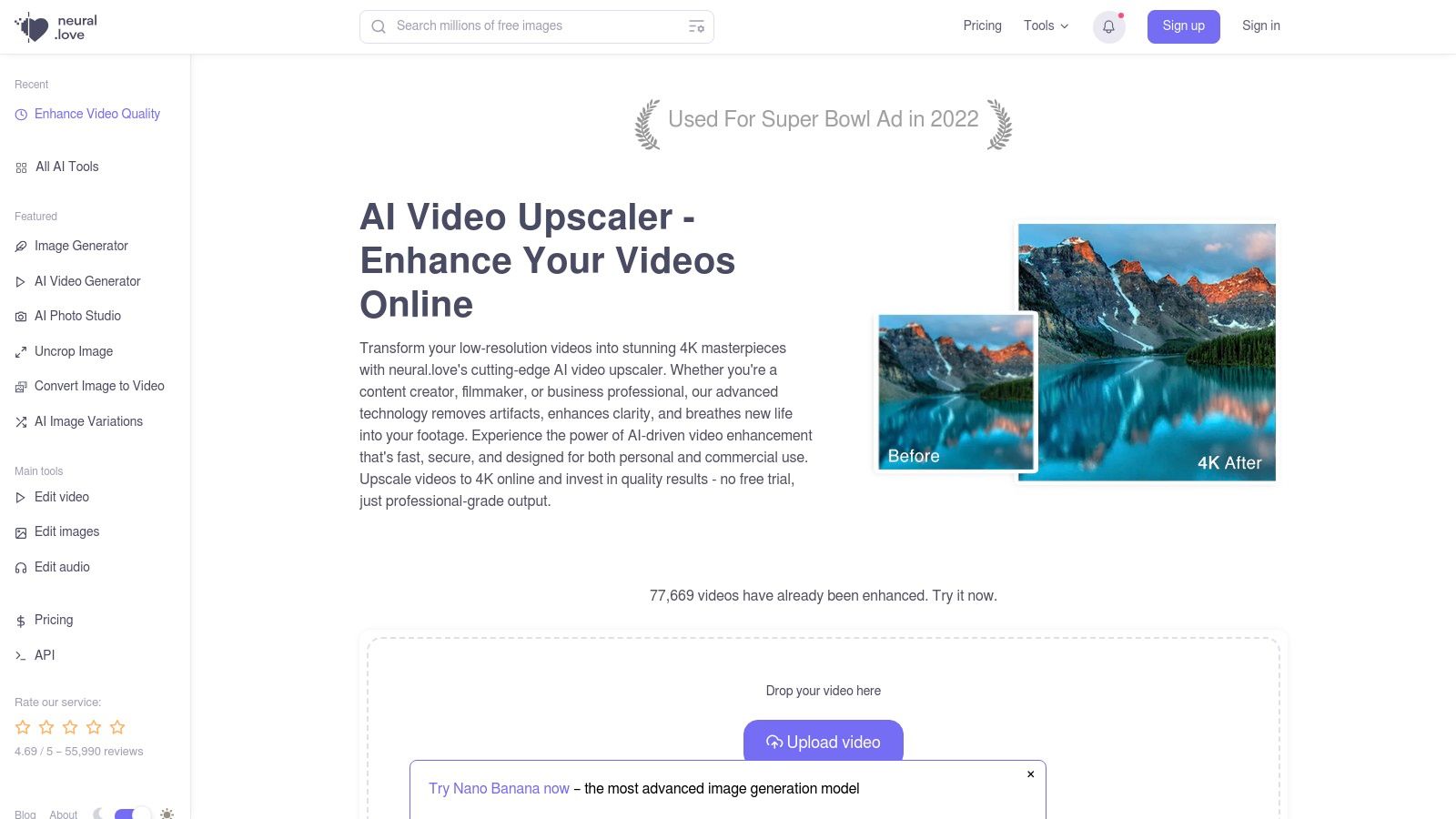
The web-based interface is clean and straightforward, guiding you through the upload, enhancement, and download process with minimal friction. While the free credits are a great way to trial the service, they are finite. Longer or more complex videos will quickly exhaust them, necessitating a move to a paid plan. Processing times can also vary depending on server load and the complexity of your video file, which is a common trade-off for powerful cloud-based tools.
Best Use Case
Neural.love excels in restoring archival or sentimental footage, such as digitised home videos, old film clips, or compressed internet videos. It is the ideal choice for content creators and archivists who need to breathe new life into valuable legacy media and are willing to invest beyond the initial free trial for superior restoration quality.
Key Features & Limitations
| Feature/Aspect | Assessment |
|---|---|
| Upscaling Options | Advanced AI-driven upscaling to 4K, with a focus on artefact removal. |
| Accessibility | Excellent. Fully browser-based with a simple upload workflow. |
| Ease of Use | Very Good. The interface is intuitive for non-technical users. |
| Free Tier Limits | Restrictive. Operates on a limited one-time credit system; not a recurring free service. |
| Processing Time | Variable. Cloud processing speeds are subject to server demand. |
Link: neural.love/video-upscale
5. Aimages.ai — Online AI Video Upscaler/Enhancer
Aimages.ai offers a unique pay-as-you-go model for its free video upscaler service, which is ideal for users who need high-quality results without committing to a subscription. Its standout feature is the transparent "try-before-you-buy" system. You can upload your footage and generate short, watermarked previews using various AI enhancement filters like sharpening and denoising. This allows you to accurately assess the final output quality before spending credits on a full, watermark-free export.
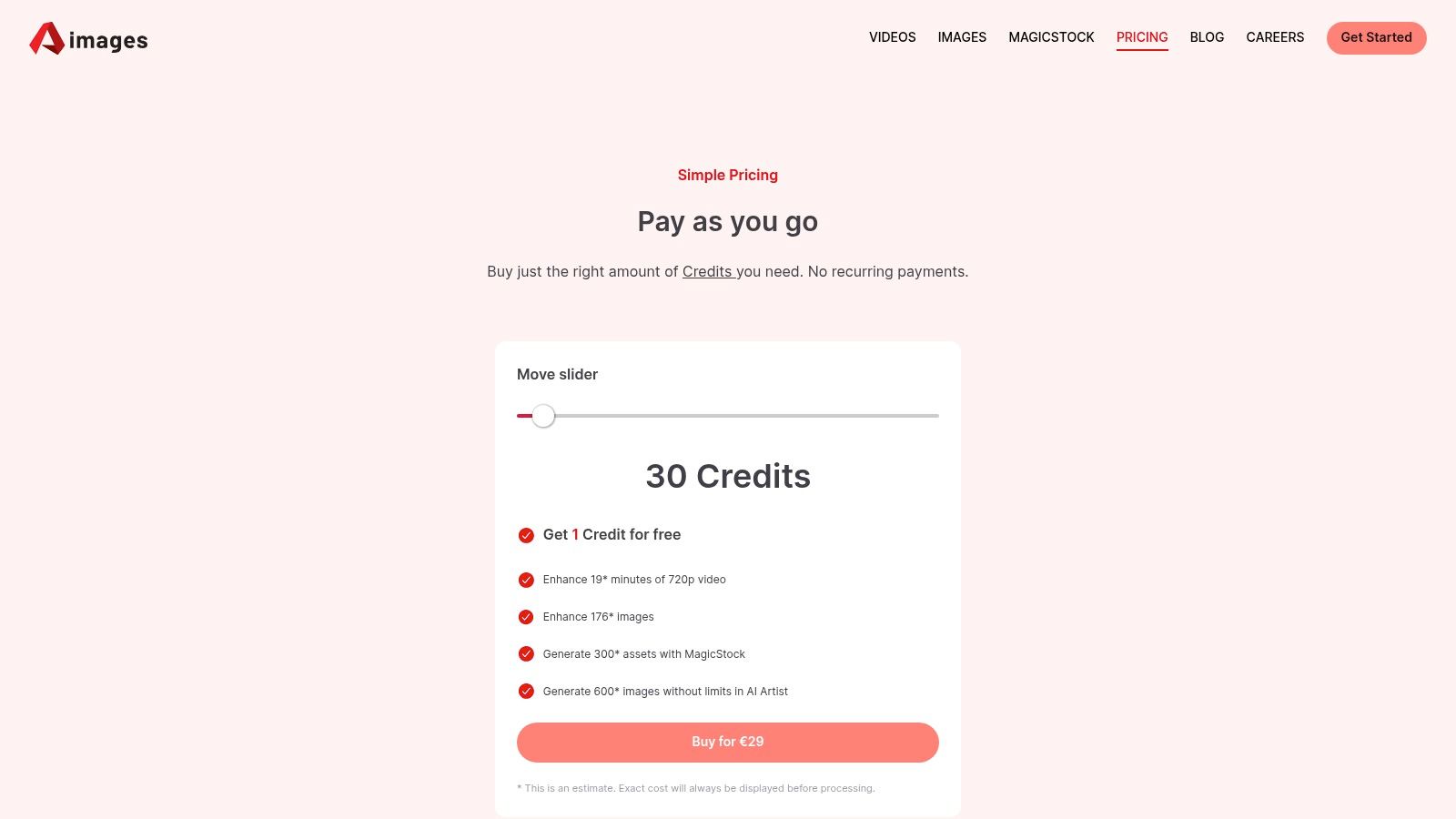
The platform is built around a credit system, where you purchase credits to process videos. While the free previews are generous, a full export requires payment. This model is perfect for professionals or creators who have sporadic upscaling needs and prefer to pay only for what they use. The interface is clean and functional, guiding you through selecting enhancement models and previewing the changes, making it a very user-centric experience.
Best Use Case
Aimages.ai is best suited for users who need professional-grade enhancement for specific projects and want to verify the results before payment. It's a great choice for freelancers, small studios, or marketers who need to restore a crucial piece of footage and want control over different AI filters without the financial commitment of a monthly plan.
Key Features & Limitations
| Feature/Aspect | Assessment |
|---|---|
| Upscaling Options | Upscaling up to 4K with multiple AI models (denoise, deblur, colour). |
| Accessibility | Excellent. Fully browser-based with a clear, straightforward process. |
| Ease of Use | Very Good. Simple interface, but multiple filters add a layer of choice. |
| Free Tier Limits | Fair. Offers generous free previews but requires credits for full, watermark-free exports. |
| Format Support | Good. Supports a range of common video formats suitable for most projects. |
Link: Aimages.ai
6. Kapwing — Video Enhancer
Kapwing distinguishes itself by integrating a free video upscaler within a comprehensive, browser-based collaborative editing suite. Rather than just upscaling, it offers a "Video Enhancer" tool that combines one-click adjustments with manual controls for brightness, contrast, and sharpness. This makes it a powerful option for creators who need to perform quick quality improvements and other edits, like trimming or adding text, all in the same workflow without downloading any software.
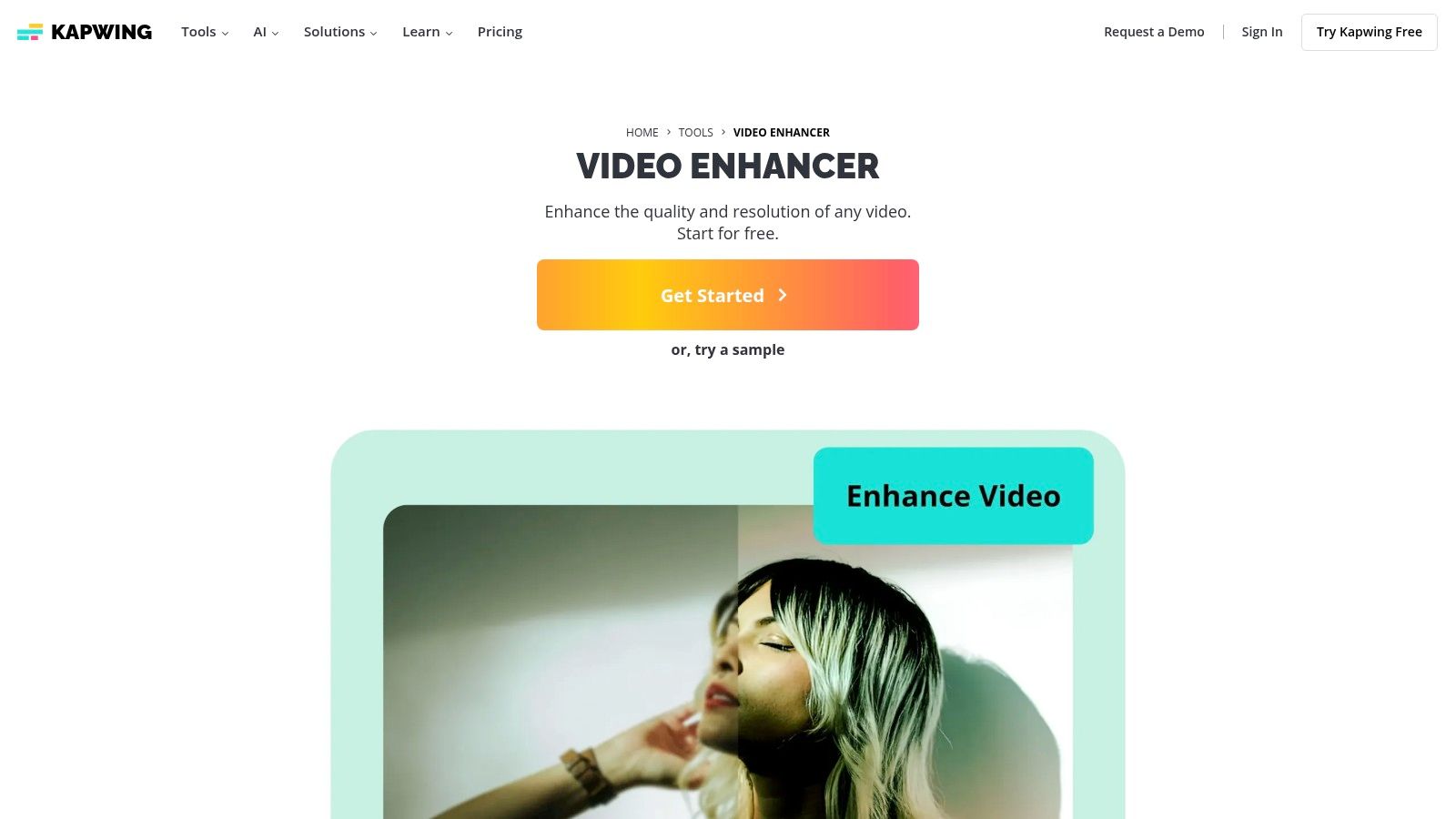
The platform is designed for ease of use, appealing to social media marketers and casual creators. However, its free tier has significant restrictions. While you can use the enhancement tools, final video exports are capped at 720p resolution and will include a Kapwing watermark. Unlocking 1080p or 4K exports and removing the watermark requires upgrading to a Pro subscription, positioning the free version as more of a functional trial for its full capabilities.
Best Use Case
Kapwing is ideal for content creators who need an all-in-one tool for quick social media video production. It excels when you need to make minor colour corrections, sharpen a slightly blurry clip, and then immediately add subtitles or cut it down for TikTok or Instagram, all within a single, user-friendly interface.
Key Features & Limitations
| Feature/Aspect | Assessment |
|---|---|
| Upscaling Options | Basic enhancement sliders (brightness, contrast, sharpness). No dedicated AI upscaling. |
| Accessibility | Excellent. Fully browser-based and designed for collaborative work. |
| Ease of Use | Excellent. Intuitive interface combining enhancement with a full video editor. |
| Free Tier Limits | Very Restrictive. Exports are watermarked and limited to a maximum of 720p resolution. |
| Format Support | Good. Supports most common video formats as part of its editor suite. |
Link: Kapwing Video Enhancer
7. Fotor — Free AI Video Upscaler
Fotor offers a highly accessible free video upscaler that appeals to users seeking a no-fuss, browser-based solution. Known primarily for its photo editing tools, Fotor extends its simple, one-click philosophy to video enhancement. The platform is designed for quick turnarounds; you simply upload a clip, let the AI work its magic to upscale it to HD or 4K, and then download the result. This straightforward process makes it an excellent choice for casual creators or anyone needing a quick quality boost without a steep learning curve or software installation.
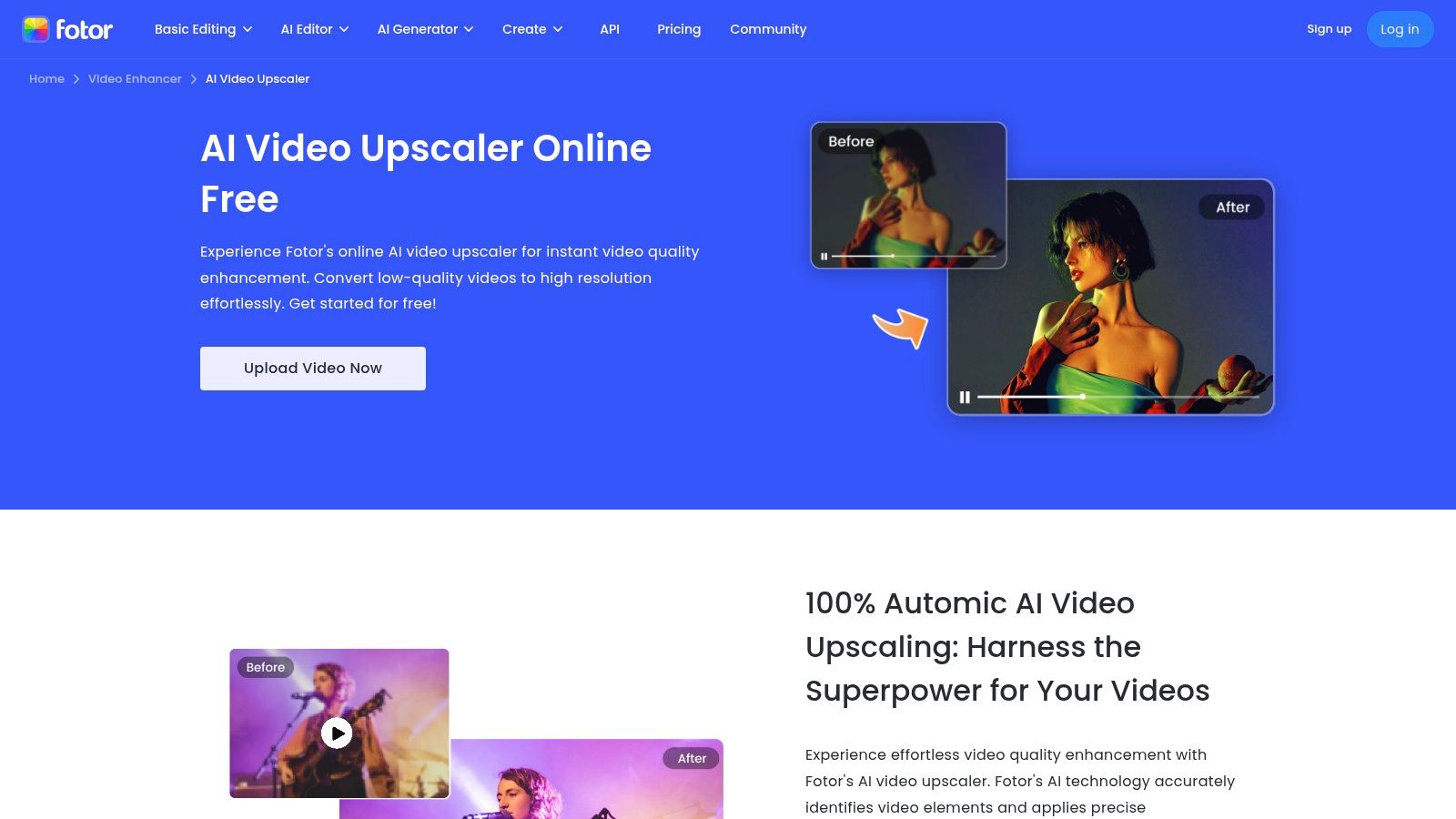
The user experience is clean and direct, guiding you through the upscaling process with minimal friction. However, the free offering is best viewed as a functional trial. You will likely encounter limitations on video file size, length, and the number of free exports available, often requiring a login to access the tool. While it effectively demonstrates the AI's capabilities, the results may include a watermark, encouraging users to upgrade for unrestricted, professional use.
Best Use Case
Fotor is ideal for individuals looking to quickly enhance short video clips, such as snippets for an Instagram Story, a segment of a blog post, or a personal video message. Its simplicity makes it perfect for those who are unfamiliar with video editing software and need a one-off enhancement without committing to a complex application.
Key Features & Limitations
| Feature/Aspect | Assessment |
|---|---|
| Upscaling Options | Provides straightforward upscaling to HD and 4K resolutions. |
| Accessibility | Excellent. Fully web-based with no software to download. |
| Ease of Use | Excellent. A simple upload-and-process workflow. |
| Free Tier Limits | Restrictive. Often requires login and may impose watermarks or limits on file size. |
| Format Support | Good. Supports common formats including MP4, MOV, and WebM. |
Link: Fotor AI Video Upscaler
8. VMake AI — Online Video Upscaler
VMake AI provides another strong contender in the browser-based free video upscaler space, focusing on a low-friction workflow for quick enhancements. It allows users to upload a video and directly select a target output resolution such as 1080p, 2K, or 4K. This simplicity makes it a fantastic tool for users who need a straightforward quality boost for social media content or short personal clips without delving into complex settings or installing any software.
The user experience is designed for speed and convenience: upload your file, pick your desired resolution, and let the AI handle the rest. The free tier, however, is governed by file size limitations, typically around 200 MB, which makes it suitable for shorter videos. While it supports common formats, you will not find the granular control or advanced restoration features available in dedicated desktop applications, positioning it firmly as a tool for accessibility over customisation.
Best Use Case
VMake AI is ideal for content creators and social media managers who need to quickly upscale short video clips to meet platform quality standards like 1080p or 4K. It’s perfect for enhancing user-generated content, mobile phone footage, or short promotional snippets before posting them online, offering a fast turnaround without any technical overheads.
Key Features & Limitations
| Feature/Aspect | Assessment |
|---|---|
| Upscaling Options | Offers direct output targets like 1080p, 2K, and 4K. |
| Accessibility | Excellent. Completely browser-based with no download required. |
| Ease of Use | Excellent. A very simple upload-select-download process. |
| Free Tier Limits | Restrictive. Strict file size limits (e.g., 200 MB) restrict use to short videos. |
| Format Support | Good. Supports common video formats like MP4, MOV, and AVI. |
Link: VMake AI Video Upscaler
9. Topaz Video (Topaz Labs) — Desktop Pro-grade Upscaler
Topaz Video AI stands as an industry-recognised leader, offering a professional desktop application for users who prioritise ultimate quality and control. While not a perpetually free video upscaler, its trial version provides full access to its powerful suite of AI models for local processing. This allows you to test its advanced restoration capabilities, including stabilisation, deinterlacing, and frame interpolation, on your own hardware without uploading sensitive footage to the cloud. The trade-off is that all exports during the trial are watermarked.
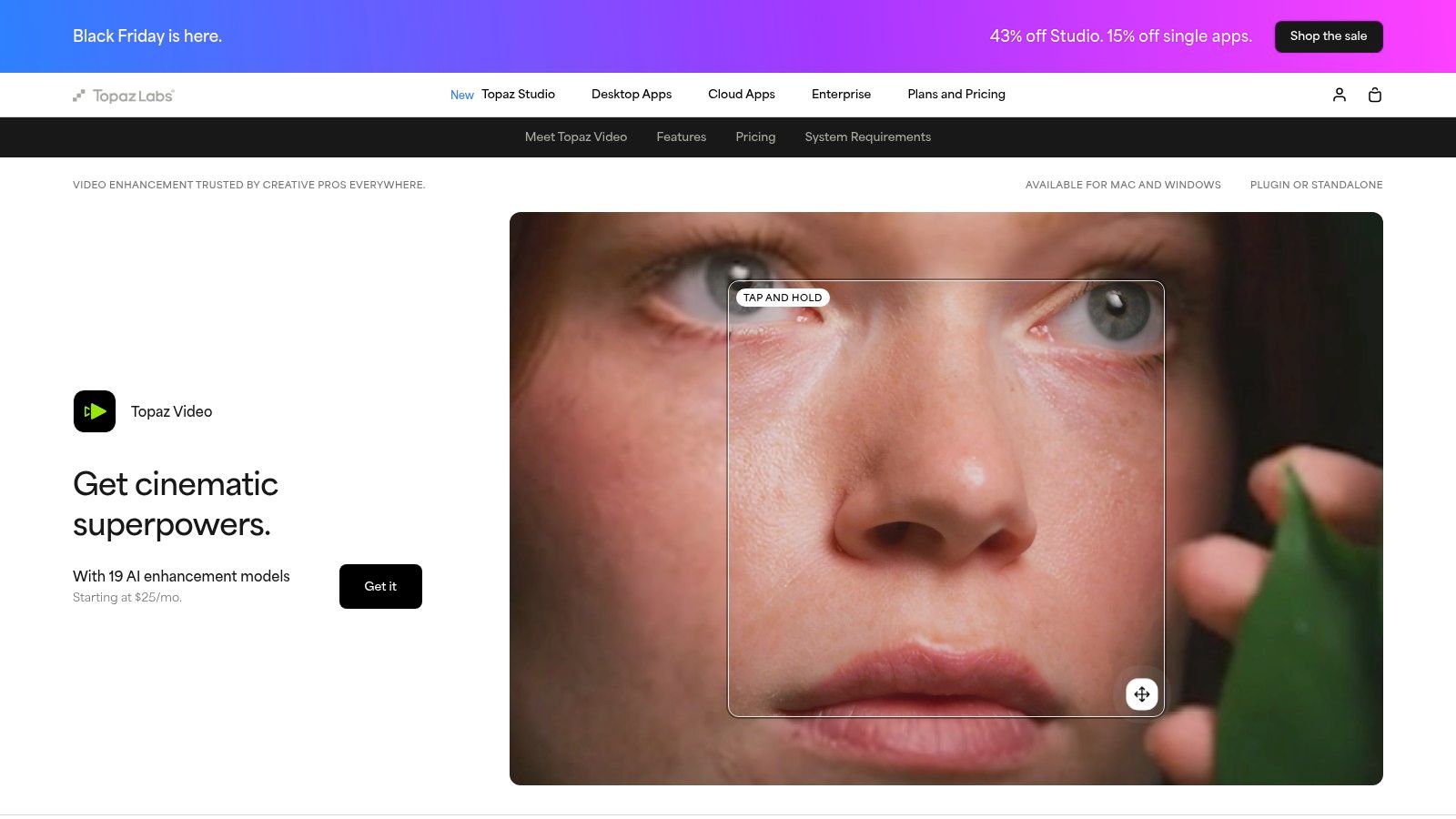
Unlike simple web tools, Topaz offers multiple specialised AI models (like Proteus for fine-tuning and Artemis for general enhancement) that give you granular control over the final output. This makes it a formidable tool for serious videographers, archival projects, and content creators aiming for the best possible result. Its local processing nature ensures privacy and speed is only limited by your computer's performance, but the interface presents a steeper learning curve than one-click online alternatives.
Best Use Case
Topaz Video AI is ideal for professionals and enthusiasts who need to restore difficult or low-quality footage to the highest standard. It's the go-to choice for upscaling vintage home movies, enhancing noisy drone footage, or preparing clips for professional production where uncompromising quality is essential. For those evaluating long-term, high-volume needs, you can review subscription pricing for alternative solutions.
Key Features & Limitations
| Feature/Aspect | Assessment |
|---|---|
| Upscaling Options | Excellent. Multiple AI models (Proteus, Artemis) with upscaling to 4K/8K. |
| Accessibility | Fair. Requires software installation and powerful hardware for good performance. |
| Ease of Use | Moderate. The interface is more complex, with a steeper learning curve. |
| Free Tier Limits | Restrictive. The free trial produces watermarked exports on all videos. |
| Processing | Excellent. Fully local processing ensures data privacy and security. |
Link: Topaz Video AI
10. Waifu2x-Extension-GUI (Windows) — Free/Open-Source Upscaler App
For Windows users seeking maximum control and power without any cost, Waifu2x-Extension-GUI is an outstanding free video upscaler. This open-source application is a powerhouse, bundling several highly-regarded AI engines like Real-ESRGAN, Real-CUGAN, and Anime4K into a single graphical interface. It runs entirely on your local machine, eliminating privacy concerns, file size limits, and watermarks. This makes it a fantastic choice for technical users who want to process large files or entire batches of videos offline.
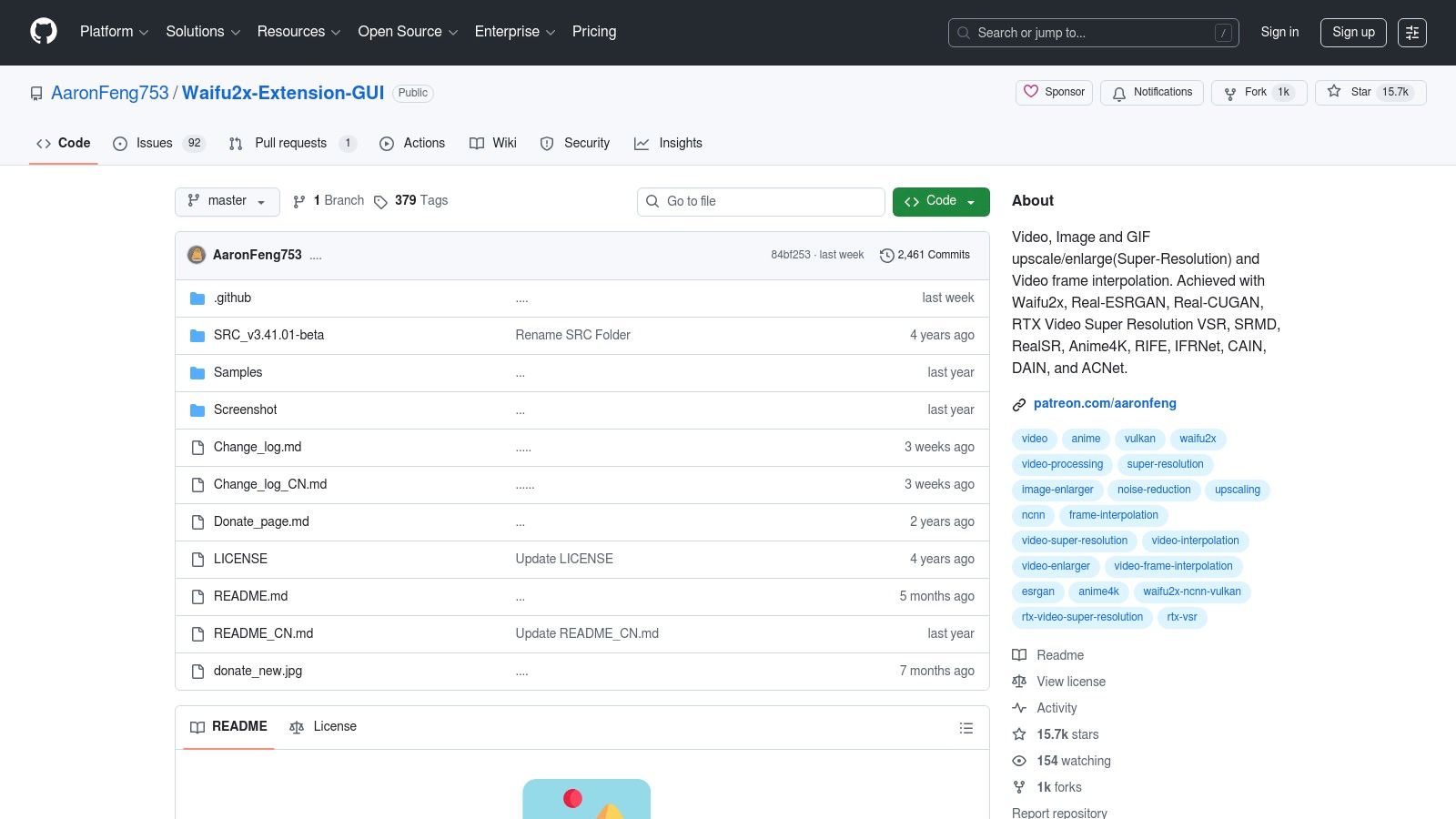
The trade-off for this flexibility is a steeper learning curve. Unlike simple web tools, setting up and optimising the software requires some technical know-how, and performance is entirely dependent on your computer's hardware, particularly your GPU. However, for those willing to learn its settings, it offers unparalleled customisation, including advanced features like frame interpolation for smoother motion. It is a true do-it-yourself solution for achieving professional-grade results without a subscription.
Best Use Case
This tool is ideal for power users, hobbyists, and archivists on Windows who need to batch process a large library of videos or want granular control over the upscaling algorithm. It excels at restoring old home movies, upscaling anime series, or enhancing game footage where different AI models might produce better results for specific content types.
Key Features & Limitations
| Feature/Aspect | Assessment |
|---|---|
| Upscaling Options | Excellent. Multiple AI engines (Real-ESRGAN, Waifu2x, etc.) and frame interpolation. |
| Accessibility | Poor. Windows-only application that requires installation and technical configuration. |
| Ease of Use | Fair. The GUI simplifies a complex process, but it is not beginner-friendly. |
| Free Tier Limits | None. Completely free and open-source with no watermarks or file restrictions. |
| Performance | Hardware-dependent. Relies heavily on a powerful local GPU for reasonable processing speeds. |
Link: Waifu2x-Extension-GUI on GitHub
11. Real-ESRGAN (official) — Open-Source Upscaling
Real-ESRGAN represents a powerful, open-source approach for users who are comfortable with a more technical, command-line-driven workflow. Unlike web-based tools, this free video upscaler is a standalone project that you run locally on your machine. Its strength lies in its exceptional upscaling quality, particularly for animations, and the complete absence of watermarks, file size limits, or subscriptions. The process typically involves using FFmpeg to extract video frames into an image sequence, running the Real-ESRGAN executable on those frames, and then re-encoding them back into a video file.
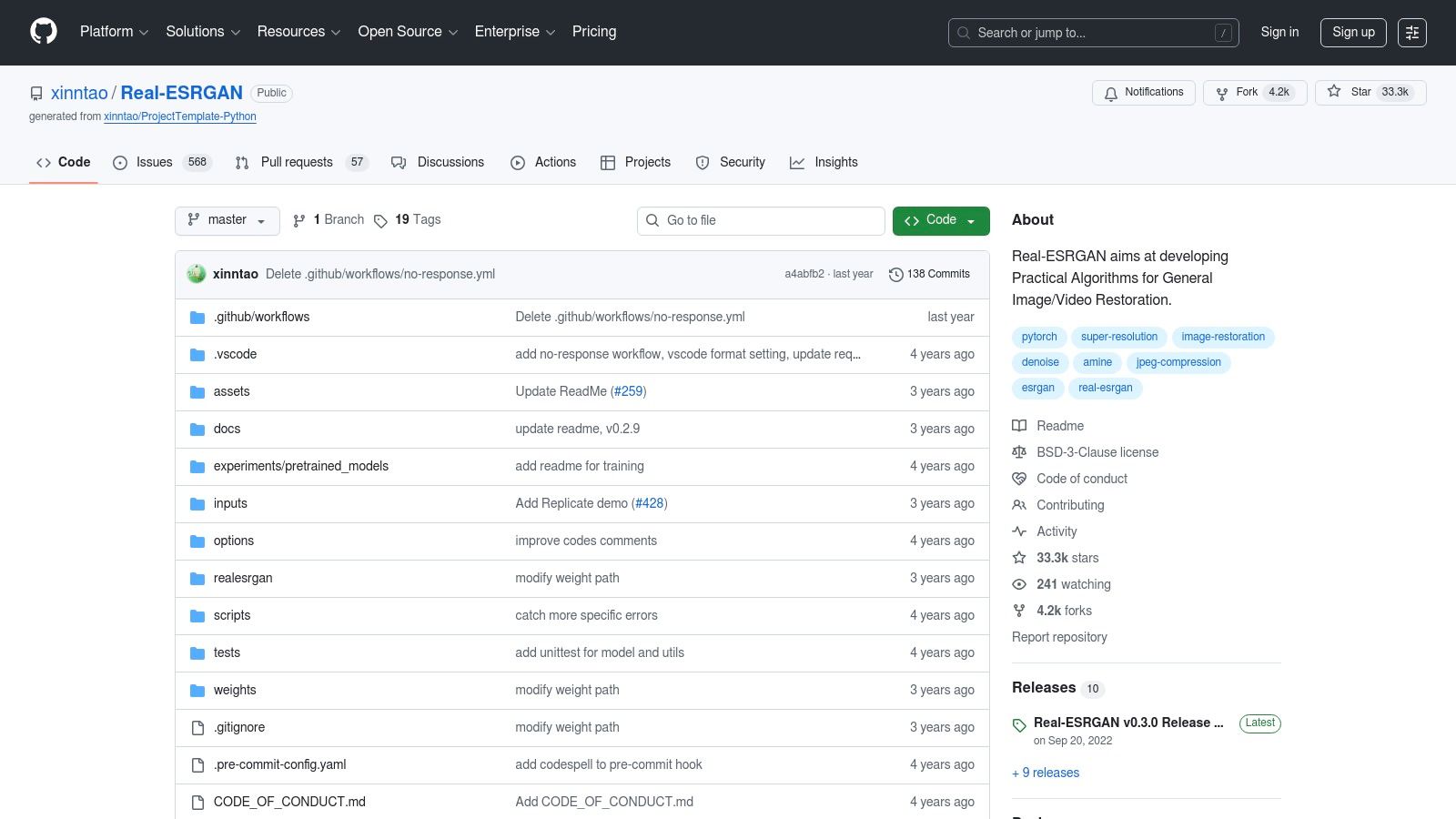
This method provides ultimate control and the highest potential quality, completely free of charge. The official GitHub repository provides pre-compiled builds for Windows, macOS, and Linux, with hardware-accelerated versions (ncnn/Vulkan) available to significantly speed up processing on compatible GPUs. While it is not a one-click solution, the results often surpass what many simplified web services can offer, making the learning curve worthwhile for technically inclined users.
Best Use Case
Real-ESRGAN is ideal for developers, hobbyists, and video enthusiasts who need maximum quality and control without any cost. It is perfectly suited for upscaling animated content or restoring old footage where fine detail is critical. If you are comfortable using the command line and want a truly free, powerful tool for your projects, this is an unmatched option. For those seeking clarification on video processing terms, you can review frequently asked questions on the SoReel website.
Key Features & Limitations
| Feature/Aspect | Assessment |
|---|---|
| Upscaling Options | Excellent. High-quality models for general and anime content. |
| Accessibility | Poor. Requires command-line knowledge and manual setup. |
| Ease of Use | Difficult. Involves multiple technical steps; not for beginners. |
| Free Tier Limits | None. Completely free and open-source with no restrictions. |
| Format Support | Excellent. As it works on image frames, it supports any video format FFmpeg can handle. |
Link: Real-ESRGAN on GitHub
12. Video2X — Free/Open-Source Video Upscaling Framework
For technically-inclined users seeking maximum control and zero cost, Video2X stands out as a powerful open-source free video upscaler framework. Unlike web-based tools, it is a cross-platform toolkit that runs locally on your Windows or Linux machine. It orchestrates various high-quality upscaling engines like Real-ESRGAN, Real-CUGAN, and Anime4K, giving you the flexibility to choose the best algorithm for your source material. This local processing approach guarantees privacy and removes file size or length limitations imposed by online services.
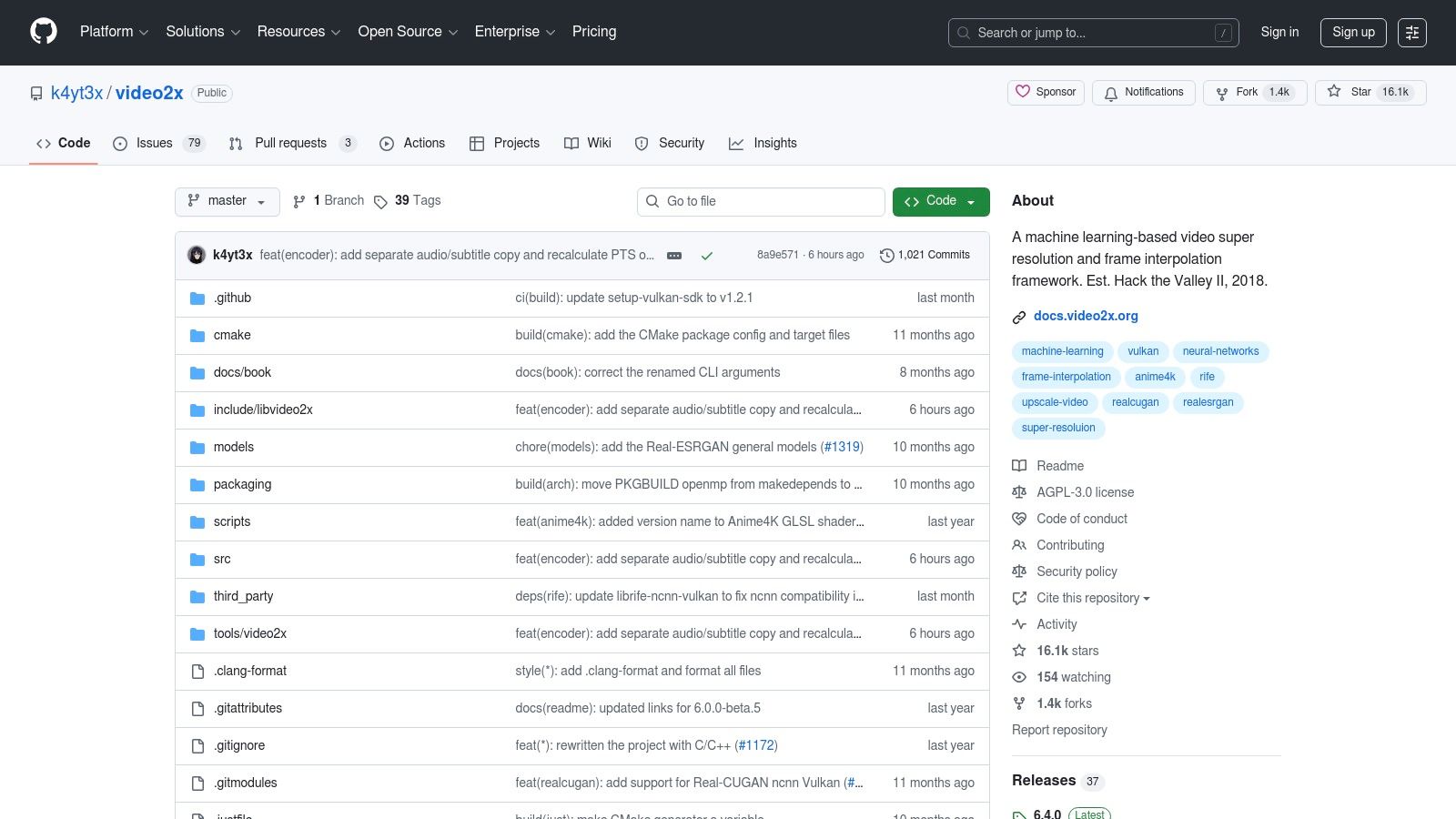
While it offers both a Graphical User Interface (GUI) and a Command-Line Interface (CLI), Video2X does require some initial setup and a compatible GPU for decent performance. For those without powerful local hardware, the project thoughtfully provides a Google Colab notebook, allowing you to leverage Google's free cloud GPUs for processing. This makes it an incredibly versatile option, catering to both power users with high-end rigs and hobbyists who need access to GPU acceleration.
Best Use Case
Video2X is the ideal choice for developers, hobbyists, and users who prefer an offline, open-source solution for upscaling videos, especially anime or animation. It's perfect for those who want to experiment with different AI models to achieve the best possible result without watermarks or subscriptions and are comfortable with a more hands-on setup process.
Key Features & Limitations
| Feature/Aspect | Assessment |
|---|---|
| Upscaling Options | Excellent. Leverages multiple engines like Real-ESRGAN and Anime4K. |
| Accessibility | Fair. Requires software installation, setup, and a compatible GPU. |
| Ease of Use | Moderate. The GUI simplifies the process, but the initial setup can be complex. |
| Free Tier Limits | None. Completely free and open-source with no watermarks or restrictions. |
| Format Support | Excellent. As a local tool, it works with a wide range of formats via FFmpeg. |
Link: Video2X on GitHub
12 Video Upscalers: Quick Feature Comparison
| Product | Core features | Quality ★ | Value 💰 | Target 👥 | Unique ✨ |
|---|---|---|---|---|---|
| SoReel — Professional AI Video Enhancement & Watermark Removal 🏆 | 99.9% pixel-reconstruction watermark removal, up to 4x upscaling, denoise, audio cleanup, metadata & fingerprint strip, batch & API | ★★★★★ studio-grade, fast | 💰 Free tools + paid plans; demo & docs | 👥 Creators & marketers needing platform-ready, scalable workflows | ✨ Near-perfect non-blur watermark removal; fingerprint stripping; Sora 2 native |
| Media.io — AI Video Upscaler | Web 2x/4x upscaling, free previews, optional desktop app | ★★★☆☆ quick for short clips | 💰 Free tier w/ limits; paid for full exports | 👥 Casual users & quick testers | ✨ Zero‑install previews; very simple one-click flow |
| AVCLabs — Online AI Upscaler + Desktop | Cloud upscaling to 4K/8K, face refine, denoise, desktop app for local processing | ★★★★☆ strong enhancement models | 💰 Free credits + paid credits/subscription | 👥 Pros who want local/offline processing | ✨ Face-refine models; cloud+desktop privacy option |
| neural.love — AI Video Upscaler | Cloud upscaling, artifact removal, web upload → process → download | ★★★★☆ good for archival restoration | 💰 Credit-based; limited free credits | 👥 Archivists & non-technical restorers | ✨ Simple restoration workflow for older footage |
| Aimages.ai — Online Upscaler/Enhancer | Pay-as-you-go credits, up to 4K, multiple filters, parallel processing tiers | ★★★★☆ transparent & scalable | 💰 Pay-as-you-go or monthly plans; previews | 👥 Users who want try-before-you-buy | ✨ Multiple AI filters + clear pricing & previews |
| Kapwing — Video Enhancer | In-browser editor with one-click enhancer, collaboration, export options (Pro for 1080p/4K) | ★★★☆☆ good for combined editing tasks | 💰 Free (watermarked 720p); Pro for higher res | 👥 Teams & creators needing editing + boosts | ✨ Integrated editor + collaboration features |
| Fotor — Free AI Video Upscaler | One-click upscaling to HD/4K, supports common formats, web-based | ★★★☆☆ clean, quick workflow | 💰 Free/basic tier; export limits | 👥 Casual creators wanting fast upscales | ✨ No-install, minimal workflow for quick results |
| VMake AI — Online Upscaler | Upscale to 1080p/2K/4K, quick upload → choose → download, file-size limits | ★★★☆☆ optimized for short social clips | 💰 Free with size limits; paid for larger jobs | 👥 Social creators with short clips | ✨ Low-friction social-post focused pipeline |
| Topaz Video AI — Desktop Pro-grade | Multiple AI models (Proteus, Artemis…), upscales, denoise, stabilise, local processing | ★★★★★ pro-grade local quality | 💰 Paid software; trial exports watermarked | 👥 Professionals needing highest-quality local renders | ✨ Multiple advanced models for difficult footage |
| Waifu2x-Extension-GUI (Windows) | Multiple engines (Real-ESRGAN, Waifu2x, Real-CUGAN), GPU accel, batch, frame interpolation | ★★★★☆ very flexible & powerful | 💰 Free / open-source (personal use) | 👥 Power users on Windows with GPUs | ✨ Multi-engine + interpolation + GPU acceleration |
| Real-ESRGAN (official) — Open-Source | Community SR models, ncnn/Vulkan ports, cross-platform builds | ★★★★☆ top-quality for many sources | 💰 Free / open-source (requires setup) | 👥 Technical users & developers | ✨ Hardware-accelerated builds & community models |
| Video2X — Upscaling Framework | Orchestrates engines (Real-ESRGAN, CUGAN, Anime4K), GUI/CLI, Colab GPU option | ★★★★☆ flexible end-to-end pipeline | 💰 Free / open-source; Colab for cloud GPU | 👥 Users building custom pipelines | ✨ Engine orchestration + Colab GPU notebook option |
Choosing the Right Upscaler: When to Stay Free and When to Go Pro
Navigating the landscape of video enhancement tools can feel overwhelming, but as we've explored, the right solution often comes down to a simple trade-off between convenience, cost, and professional requirements. The journey through the world of the free video upscaler has revealed a powerful and diverse toolkit available to everyone, from social media creators to indie developers.
For many everyday tasks, a free tool is not just adequate; it's the perfect fit. Browser-based platforms like Media.io and Fotor excel at quick, accessible enhancements for short clips. They remove the friction of software installation and complex settings, making them ideal for a quick quality boost before posting to TikTok or Instagram. Similarly, for the technically-minded user with a capable computer, open-source projects like Video2X and Real-ESRGAN offer an incredible degree of control and customisation without any financial outlay, rewarding your investment of time with impressive, community-driven results.
The Tipping Point: Identifying Professional Needs
However, every free tool has its ceiling. The limitations we've discussed, such as watermarks, file size restrictions, slower processing speeds, and limited format support, are not minor inconveniences when your project has a deadline or a commercial purpose. This is the critical point where your needs pivot from casual enhancement to professional workflow optimisation.
Consider these key questions to determine if it's time to upgrade:
- Is speed a factor? Free online tools often place you in a queue, and desktop open-source software can take hours to process longer videos. If you're a marketing agency or content studio handling high-volume campaigns, this bottleneck is unsustainable.
- Are watermarks acceptable? For a personal archive, a small watermark might be fine. For branded content, client work, or any video representing your professional identity, a watermark instantly undermines credibility and polish.
- Do you need more than just resolution? Professional video preparation often involves more than just upscaling. You might need to remove existing watermarks from user-generated content, enhance muffled audio, or ensure the final output is perfectly optimised to avoid algorithmic suppression on social platforms.
- Is consistency and support important? When a project is on the line, you need reliable performance and access to support if something goes wrong. Professional services offer this dependability, which free and open-source tools cannot guarantee.
Matching the Tool to the Task
Ultimately, the choice is about aligning the tool's capabilities with your specific objectives. A free video upscaler is an excellent starting point and a fantastic resource for learning the fundamentals of AI enhancement and for non-critical projects. Experimenting with these tools will give you a tangible feel for what AI can achieve, from sharpening old family videos to giving a standard-definition clip a new lease of life.
When your workflow demands more, when every second of processing time counts, and when the final quality directly impacts your brand's reputation or revenue, the investment in a specialised, professional-grade platform becomes a strategic necessity. For agencies, marketers, and developers, efficiency isn't just about speed; it's about a streamlined process that handles multiple enhancement tasks simultaneously. Platforms built for this purpose, like SoReel, address the entire video readiness workflow, not just a single step. They integrate studio-grade upscaling with crucial features like watermark removal and audio correction, transforming a multi-step, multi-tool headache into a single, efficient operation. The goal isn't just to make the video bigger; it's to make it better, faster, and ready for primetime distribution.
Ready to move beyond the limitations of free tools and experience a truly professional workflow? SoReel provides an all-in-one solution that combines studio-grade 4K upscaling with powerful watermark removal and audio enhancement, ensuring your videos are pristine and platform-ready in a single step. Discover how you can streamline your content preparation at SoReel.